
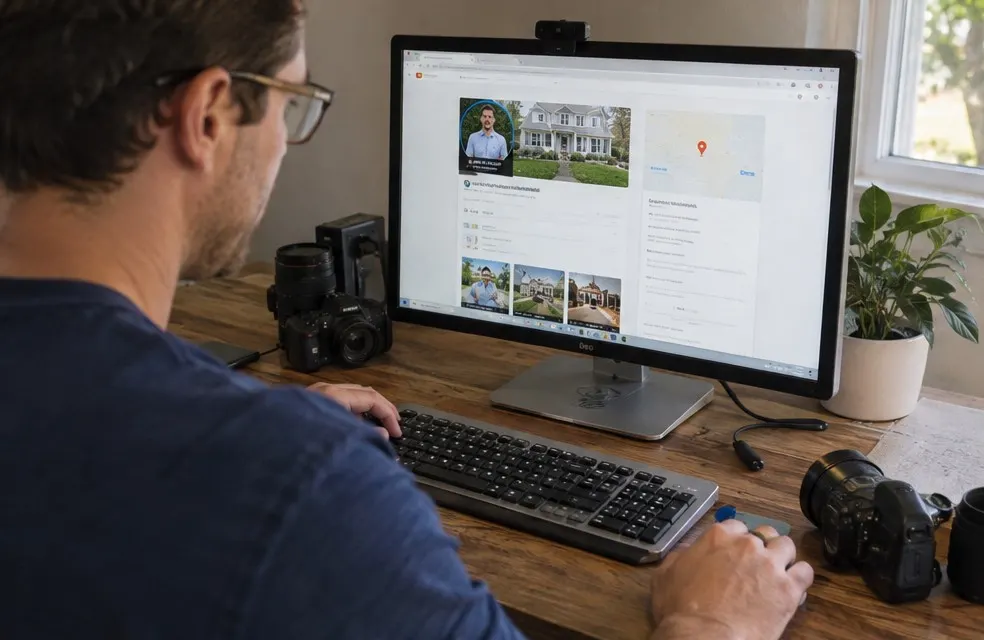
When someone searches "photographer near me", "newborn photographer" or "headshots near me", Google shows a map with three businesses before any website. Those three get a large share of the calls. A complete Google Business Profile is free and is how an independent photographer gets into that list.
1. Claim and verify
Go to Google Business Profile and search for your business name. Claim it if it exists, create it if it does not. Google will verify you, often by video or a code. Use your real business name, exactly as it appears on your website. Adding keywords like "Best Raleigh Photographer" to the name breaks Google's rules and can get the profile suspended.
2. Choose the right categories
Your primary category matters most. Pick the one that matches the work you want more of:
- Photographer for a general portrait and family business
- Wedding photographer if weddings are the core
- Portrait studio if clients come to your studio
- Commercial photographer for business and headshot work
Add a few secondary categories for the other sessions you shoot.
3. Address or service area
If clients come to your studio, show the address. If you shoot on location, set it up as a service-area business: hide the address and list the cities and counties you serve. Do not list towns you do not want to drive to.
4. Services with prices
Add each session as a service with a short description and a starting price:
- Family session, from $325
- Headshots, from $175 per person
- Portrait session, from $250
- Mini sessions, from $150
- Wedding coverage, from $2,200
Prices on your profile filter out people looking for the cheapest option and make the people who call ready to book. Keep them the same as your website.
5. Photos are your portfolio here
This is where photographers have an advantage. Upload 20 to 40 of your best images, sorted by session type, and add a few new ones every month. Include a photo of you working, a logo and a cover image. Choose images that look good small, on a phone.
6. Hours and contact
Set the hours you answer the phone and inquiries, not only the hours you shoot. Add your website and your booking link. If you use a separate business number, keep it the same everywhere.
7. Reviews: the biggest factor you control
Profiles with steady new reviews tend to rank higher and get picked more. Ask every client right after the gallery is delivered, with a direct link. Reply to every review, briefly and personally. Read how to get reviews as a photographer.
On LensPilot, the review request goes out automatically by text after each session is marked done, so you do not have to remember.
8. Posts for offers and minis
Use Google posts for mini-session dates, seasonal offers and a recent session. A post with "Fall minis, October 18, $150, 6 slots left" and a link to book is useful to anyone who finds you that week.
9. Questions and answers
Add the questions clients ask you most, with your answers: how many images are included, how long delivery takes, whether you travel, what the deposit is.
10. Keep your details consistent
Your business name, phone and website should be the same on Google, your site, Instagram, Facebook, Yelp and wedding directories. Inconsistent details confuse Google.
A monthly 15-minute routine
Set a reminder for the first Monday of each month:
- Upload 4 to 6 new photos from recent sessions
- Publish one post: a session, an offer or your next mini dates
- Reply to every new review
- Check that hours, prices and the booking link are still right
- Answer any new questions
Small, regular updates show Google and clients that the business is active. A profile that has not changed in a year looks closed, even if your calendar is full.
Common mistakes
- Keywords stuffed in the business name
- A home address shown when you only shoot on location
- No prices and no services listed
- The same 5 photos for two years
- Reviews nobody replied to
How your website helps
Google looks at your website to understand what you shoot and where. A site with one page per session type and per town, fast on a phone, with your prices on it, supports the profile. Read the photography portfolio website checklist.
Set it up once, add photos and reviews every month, and the profile keeps working while you shoot.
Frequently asked questions
Should a photographer without a studio list an address?
No. Set the profile up as a service-area business, hide the address and list the areas you serve.
What category should a photographer choose on Google?
Pick the primary category that matches the work you want most, such as Photographer, Wedding photographer or Portrait studio, and add the rest as secondary categories.